

Odoo Website Product
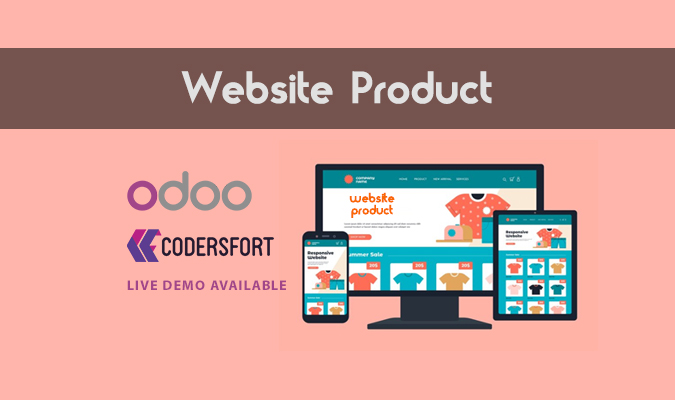
Odoo Website Product
Odoo Website Product Variant Description Module
Display Unique Descriptions for Product Variants on Your Odoo Website and Webshop
Odoo Website Product Description module for Odoo enhances your eCommerce experience by allowing variant-specific product descriptions on the Odoo website and webshop. This feature ensures your customers receive accurate and detailed information about each variant they select, improving their buying confidence and reducing confusion.
With this module, you can tailor descriptions per variant, ensuring customers always get relevant information. This not only boosts conversion rates but also reduces returns and complaints caused by confusion.
Key Features of Odoo Website Product
Variant-Specific Descriptions on Website
- Show different descriptions for each product variant directly on your Odoo website product page.
Improve User Experience and Engagement
- When a customer selects a specific variant (such as color, size, or model), the description dynamically updates to match the selected variant.
Fully Integrated with Odoo eCommerce
- Works seamlessly with the default Odoo website and webshop layout — no need for heavy customization.
Easy Management from Backend
- Add and manage variant-wise descriptions from the Odoo backend for each product template and its variants.
Supports SEO and Content Optimization
- By customizing content per variant, you can target long-tail keywords and improve SEO visibility for product pages.
How It Works
- Install the Module from Odoo Apps.
- Navigate to the Product Variant form in the backend.
- Add a custom description for each variant.
- On the website, when a user selects a variant, the description updates automatically to show the variant-specific content.
Benefits of Odoo Website Product
- Boost Conversions: Clearer information leads to more confident purchases.
- Reduce Return Rates: Customers buy the right product the first time.
- Enhance SEO: More relevant content means better rankings.
- Differentiate Variants: Highlight unique features of each variant.
- Streamlined Management: Manage everything from the Odoo backend without external tools.
Enhance your Odoo website functionality with our powerful and easy-to-integrate modules designed to improve user experience and streamline eCommerce operations.
- Add branding protection to your product images using the Odoo Website Image Watermark This feature helps you safeguard your visuals with custom watermarks directly on the Odoo website.
- Simplify navigation and improve user interaction with the Odoo Website Link Dashboard, which allows you to create a customizable dashboard of important internal and external links.
- Provide estimated delivery transparency and boost customer trust with the Odoo Website Delivery Date Display expected delivery dates right on your product or checkout pages.
- Help customers find your nearest physical store location with ease using the Odoo Website Store Locator. This module integrates a searchable map and store listing directly on your Odoo site.
Explore each module to see how they can elevate your Odoo website to the next level.
Buy from our app store or contact us directly